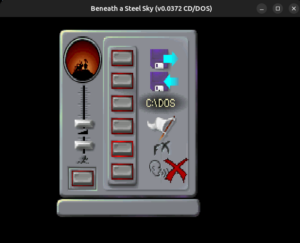
Porting iBASS engine to ScummVM
Organisation: ScummVM
Contributor name: Priyanshu Kumar
Coding period: 25 May 2026 – 17 August 2026
Over the past few months, I had been working on implementing support for the remastered version of Beneath a Steel Sky in ScummVM’s sky engine and in this final report, I am giving a brief description of what has been done, what is underway and what is yet to be done.
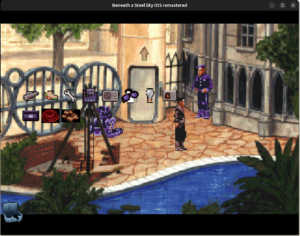
The goal of this project was to incorporate the changes done by the developers of iBASS into the sky engine upstream. That included the enhanced ui icons, separate inventory pathway, enhanced cutscenes including the intro and outro and many more things which I am happy to say that I have largely completed. Now, the game can be played from beginning to the end with minor bugs remaining that I will be working on fixing in the near future.
What’s completed(attaching the work below)-
1. Initial support – Added ibass to detection, overlayed the icons, implemented the mouse input pipeline for ibass and some work on the inventory.
PR – https://github.com/scummvm/scummvm/pull/7565
2. Implemented text chooser
PR – https://github.com/scummvm/scummvm/pull/7634
3. Skip checking for the sky.dnr file for ibass
PR – https://github.com/scummvm/scummvm/pull/7640
4. Fix transparency in inventory icon
PR – https://github.com/scummvm/scummvm/pull/7641
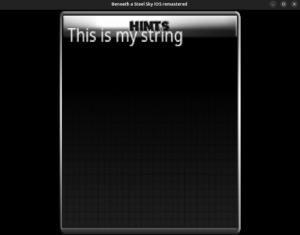
5. Added CgBI decoder to decode the CgBI PNGs for the hint system’s window and implemented the hint system.
PR – https://github.com/scummvm/scummvm/pull/7811
6. Implemented the intro and outro cutscenes and also stretched the graphics to 480X320.
PR – https://github.com/scummvm/scummvm/pull/7850
7. Added hotspots
PR – https://github.com/scummvm/scummvm/pull/7853
And here is the link to all the blogs I wrote during this journey –
https://blogs.scummvm.org/priyanshu/
PRs 5, 6 and 7 are unmerged at the time of writing this report and are subject to review.
What’s yet to be done –
1. There are a few crashes here and there that I need to identify and fix.
2. The hint system needs some more refinement.
3. Support for different languages in the hint system.
4. Extensive testing after stretching the graphics to ensure smooth transition of the game to 480X320 and fix the discrepancies on the go.
This sums up my GSoC 2026 journey and I learnt a lot in these past few months. I would like to extend my gratitude to the whole ScummVM team for supporting, guiding, helping and keeping a check on my work. Special thanks to Eugene Sandulenko and John Willis for mentoring me and for always being there when I needed their help. Looking forward to continue working with such a wonderful and passionate group of people on more such projects.
And to all my readers and those who want to defeat LINC-
BE VIGILANT 😉
Thanks for reading 🙂
 And the final evaluation timeline has officially started. So, I will now be writing the final report detailing about what all has been done, linking to the PRs and what is yet to be done.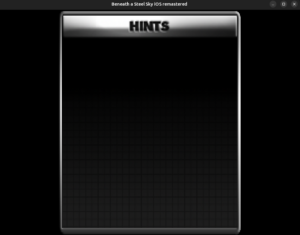
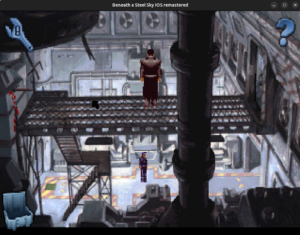
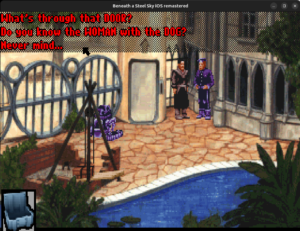 See the questions at the top. When we talk to the NPCs, a list of questions in this form appears. We have to select a dialogue from this list.
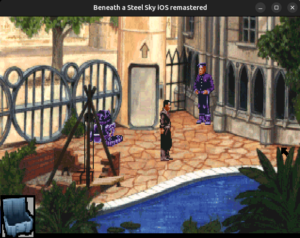 See the cursor at the right edge of the window? That is the exit. But when I clicked on it, it hit
 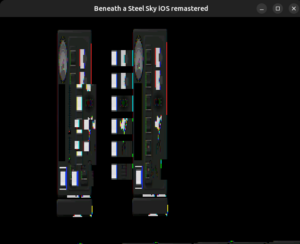 So naturally, just like with the main game screen, we let the menu to build its 8 bit layout but merge it before rendering.