We are into the second week and the last week went primarily working on the LINC inventory and spawning regular inventory items. As opposed to BASS, the inventory shows up at the left bottom of the game window, like this-
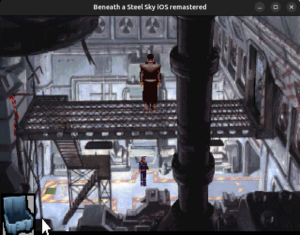 Currently, as you can see, there’s a transparency issue in the icon that I am trying to solve at this moment. Coming back to the inventory, the first item inside the inventory is joey’s circuit board just as it is in BASS. Same goes for the bar which is used to open the ‘FIRE EXIT’.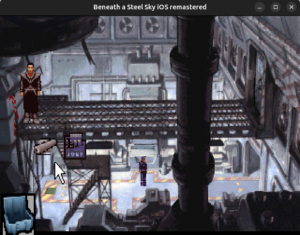
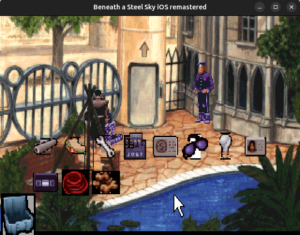 You can see the inventory items in the images above.
Since the regular inventory’s behaviour is not yet implemented, we can’t currently go past this scene to hack into the LINC terminal. This week, I will be working on it and in the next blog, I’ll be briefing about it in a lot more detail.
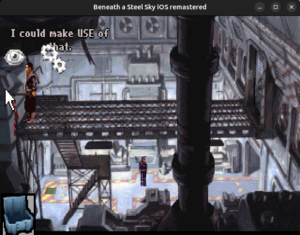
Also, you might have noticed a very minute detail in the last blog where I posted the screenshot of the icons spawning. In that image, the icons were inverted. It didn’t catch my eyes until i drew the inventory and it was also rendered in an inverted position. Same goes with joey’s circuit board. I worked on it for almost a day just to find that in the original sources of ibass, it was reading the bitmap in the reverse. I did some research and found out that most bitmap files store pixel data upside down i.e. bottom-to-top, starting with the left bottom corner of the image, as opposed to how graphics APIs expect texture memory to be, i.e. top-to-bottom, starting from the top-left corner. I fixed the behaviour and now the icons are rendered like this-
 Thanks for reading 🙂