Hi everyone, welcome back. This blog covers the code changes made to the DM engine to add support for the DOS version. The previous changes were covered up to this blog. And, I apologize for the lack of screenshots this time — I was implementing and fixing so many things simultaneously that I forgot to capture before/after comparisons, so there won’t be as many visuals as usual.
Right-Side Wall & Door Frame Graphics
In the dungeon view, door frames and side walls on the right side of the hallway rendered distorted or clipped, because horizontal pixel flipping routines were calculating sizes using Amiga graphic indices instead of DOS ones.
Updated loadWallSet() to map platform-aware graphic database indices (k86_FirstWallSetDOS starting at index 86 for DOS, compared to index 77 for Amiga). This ensures copyBitmapAndFlipHorizontal() fetches the exact pixel width and height of DOS left-side wall assets when creating their mirrored right-side counterparts.
Garbled Item Names in Status
Examining or picking up weapons, potions, and dungeon items displayed garbled text in the status message area.
On Amiga, item name strings in the data file were terminated using High-Bit encoding (where the last character had its 7th bit set, e.g. char | 0x80). In the DOS version, string entries were updated to standard null-terminated strings ('\0'). Updated loadObjectNames() to check for kPlatformDOS and read characters until encountering \0, restoring clean item names in the UI log.
Corrupted Wall & Door Frames
Drawing dungeon wall panels and door frames resulted in torn graphics or crashes during rendering transitions.
The pixel-copying routine blitToBitmap() calculated memory offsets using fixed Amiga buffer strides (srcByteWidth * 2). Because DOS standalone graphics have different widths and heights, calculating offsets using Amiga strides led to reading pixels from incorrect memory addresses. Added getBitmapDimensions() to dynamically look up the true pixel dimensions for each DOS wall and door buffer (_bitmapWallSetD3LCR, _bitmapWallSetDoorFrameFront, etc.), ensuring accurate pixel placement and preventing out-of-bounds reads.
Loading into dungeon levels still caused heap memory corruption crashes. While the previous fixes ensured pixel coordinates were calculated correctly, the memory buffers holding those flipped wall images were still allocated using hardcoded Amiga dimensions.
On Amiga, memory for flipped wall surfaces was allocated using fixed array sizes (like 128 * 51 for D3 walls or 144 * 71 for D2 walls). Because DOS standalone wall graphics are larger and have different pixel dimensions, flipping them into Amiga-sized buffers wrote pixels past the end of the allocated memory array.
Updated allocateFlippedWallBitmaps() to use getPixelWidth(index) * getPixelHeight(index) for all such buffer allocations, dynamically sizing the DOS wall buffers and preventing memory overflows.
Missing Fonts and Corrupted Graphics
Text in the UI (spell names, character stats, dialogs) was completely invisible or rendered as garbage pixels, and higher-level graphics assets failed to load.
The original unpacking loop stopped at index 532 (the Amiga limit). Updated unpackGraphics() to dynamically unpack up to index 670 for DOS, ensuring all extended DOS graphics assets are decompressed into memory.
Mapping DOS Graphic Database Indices Across the Engine
Monsters, spells, items, wall ornaments, doors, and explosions all rendered as wrong or glitched. In the DOS version, graphic asset positions inside the graphic file were shifted significantly compared to Amiga.
Upgraded the previous getFontIndex() helper into a universal getGraphicIndex(index) method in DisplayMan to dynamically map all core game graphic offsets for DOS vs Amiga.
Adding Sound
Added soundsDOS table in SoundMan::initConstants(). On DOS, raw sound samples start at graphic index 671 (k671_MetallicThud) up to 712 (k712_MoveSkeleton), compared to indices 533–574 on Amiga.
Solving the Wall Atlas Problem
On Amiga, left, center, and right walls for a given distance were stitched into a single wide atlas image (D3LCR). On DOS, however, left and right walls became standalone, tightly cropped images (D3L, D3R, D2L, D2R, D1L, D1R). Because the engine was trying to crop side walls out of the center-only DOS atlas, side walls appeared corrupted, torn, or completely blank.
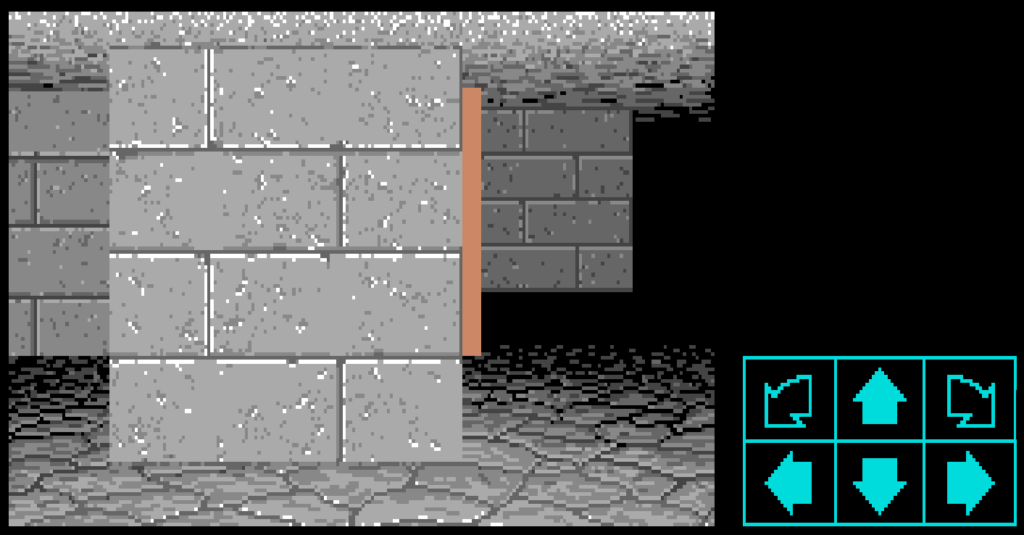
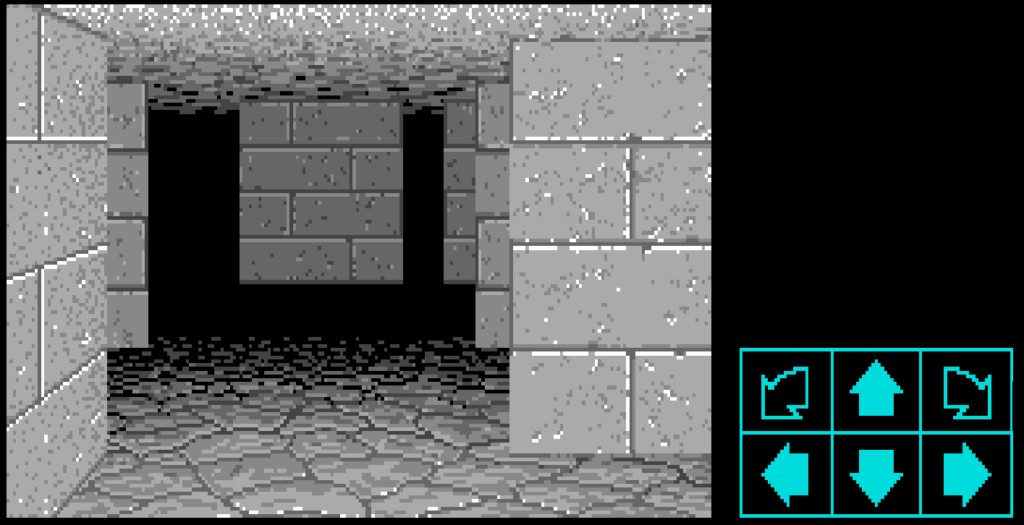
Declared standalone bitmap buffers for DOS side walls: _bitmapWallSetD1L, _bitmapWallSetD1R, _bitmapWallSetD2L, _bitmapWallSetD2R, _bitmapWallSetD3L, _bitmapWallSetD3R, _bitmapWallSetD2L2, and _bitmapWallSetD2R2.
Updated loadWallSet() for kPlatformDOS to load all 40 graphic items per wall set starting at index 86, populating every standalone left and right wall image buffer into memory.
Updated individual wall drawing methods (like drawSquareD3L) to select the new standalone DOS wall bitmap.
Implementing the DOS Layout Tree Engine
The DOS version abandoned fixed coordinate tables for drawing UI zones and dungeon elements, moving to a data-driven hierarchy tree where graphics dynamically calculate positions relative to parent containers.
Implemented the core DOS layout engine (getCoord, getLayoutRecord, getZoneBox) to parse layout records from Graphic 696 and recursively compute dynamic X/Y offsets, width, height, and clipping boundaries for all viewport and UI elements.
Integrating the DOS Layout Engine
Even after loading the correct standalone wall graphics into memory, the dungeon walls on DOS were still completely misplaced, overlapping, or rendering at wrong depths on screen. This happened because the wall drawing routines were still using hardcoded Amiga screen coordinate tables (Frame) instead of calculating dynamic offsets for DOS.
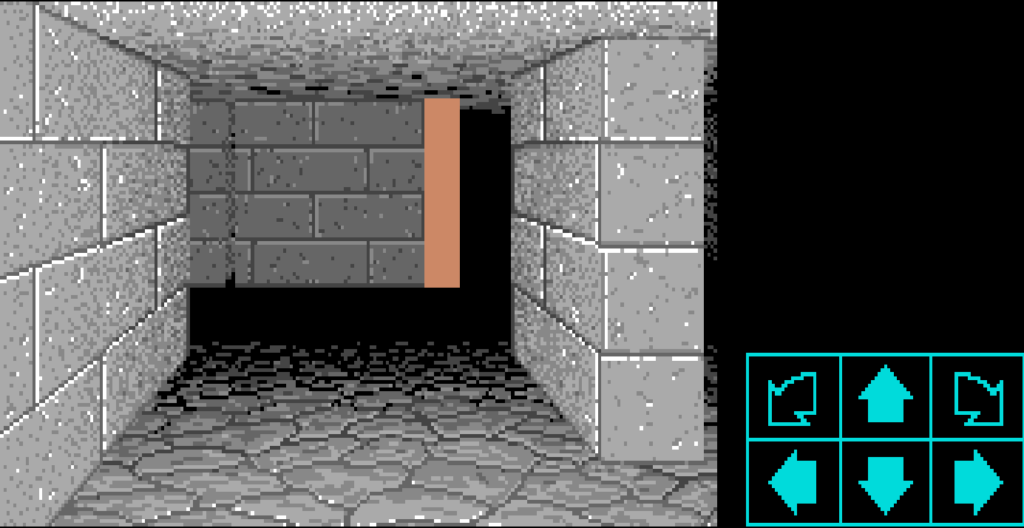
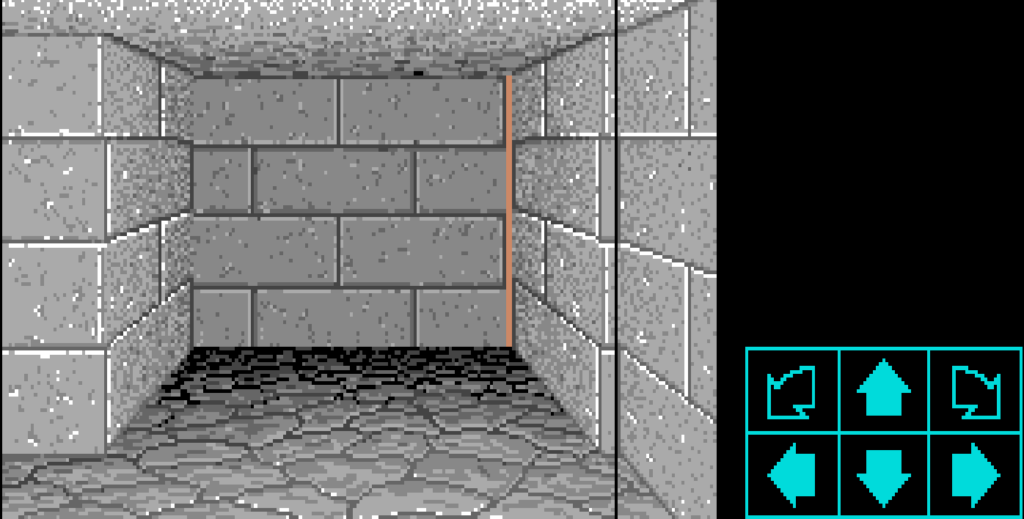
Implemented drawWallSetBitmapDOS() to query the layout engine (getCoord) for each wall zone (kDMZoneWallD3L2 through kDMZoneWallD0R). This dynamically calculates screen coordinates, width, height, and clipping boundaries for every wall.
Integrated drawWallSetBitmapDOS() into all dungeon square drawing routines (drawSquareD3L through drawSquareD0C). This immediately aligned all dungeon walls across all distances (D0 to D4), bringing the DOS 3D dungeon view to life!
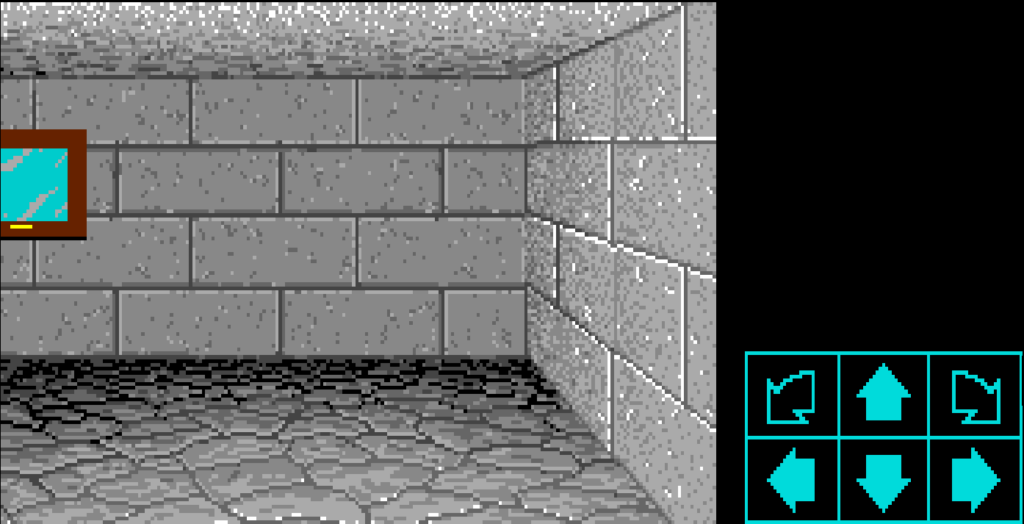
Fixing Spell Casting Panel Positioning & Rune Rendering
Selecting a champion to cast spells displayed the rune symbols and spell panel box misaligned or with black rectangle boxes drawn over the UI background.
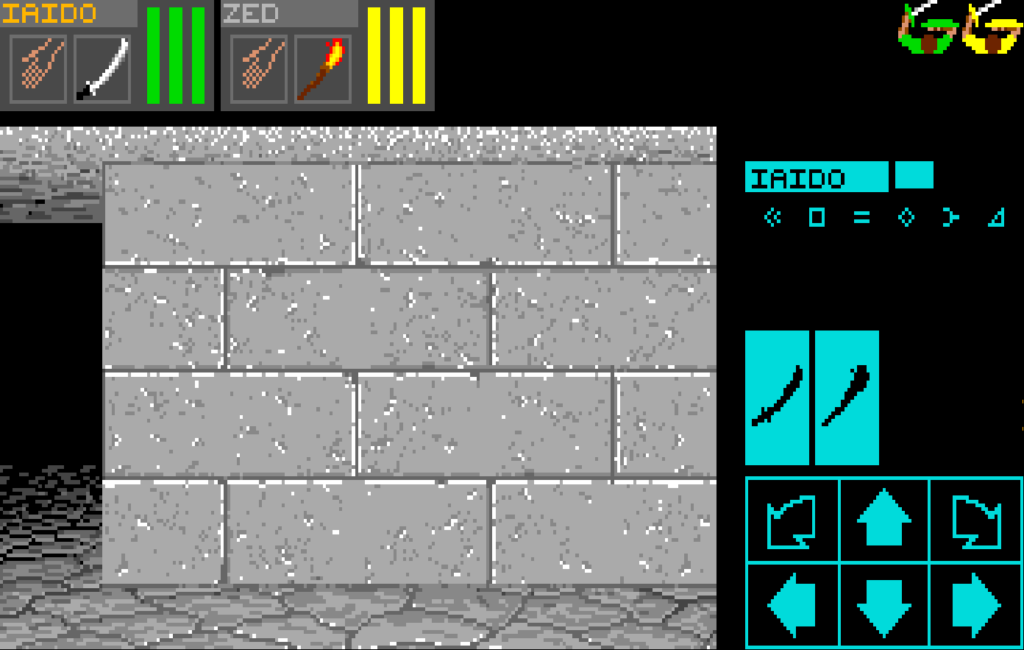
Used the Layout Tree, placing the spell background box at its exact DOS coordinates.
Updated rune symbol rendering in drawAvailableSymbols() and drawChampionSymbols() to pass kDMColorNoTransparency for DOS instead of kDMColorBlack, preventing solid black boxes from obscuring the spell panel texture.
Corruption When Scaling Distant Ornaments (D2/D3)
Wall ornaments (alcoves, keyholes, lever slots, wall rings) and door buttons seen at a distance (Depth D2 and D3) appeared scrambled, stretched, or corrupted.
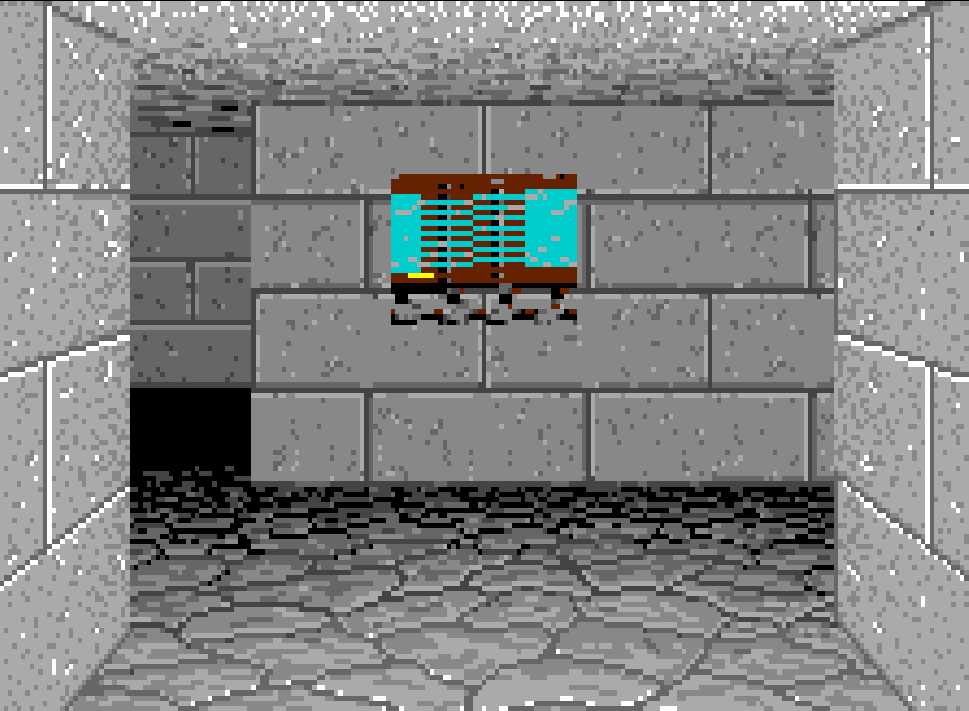
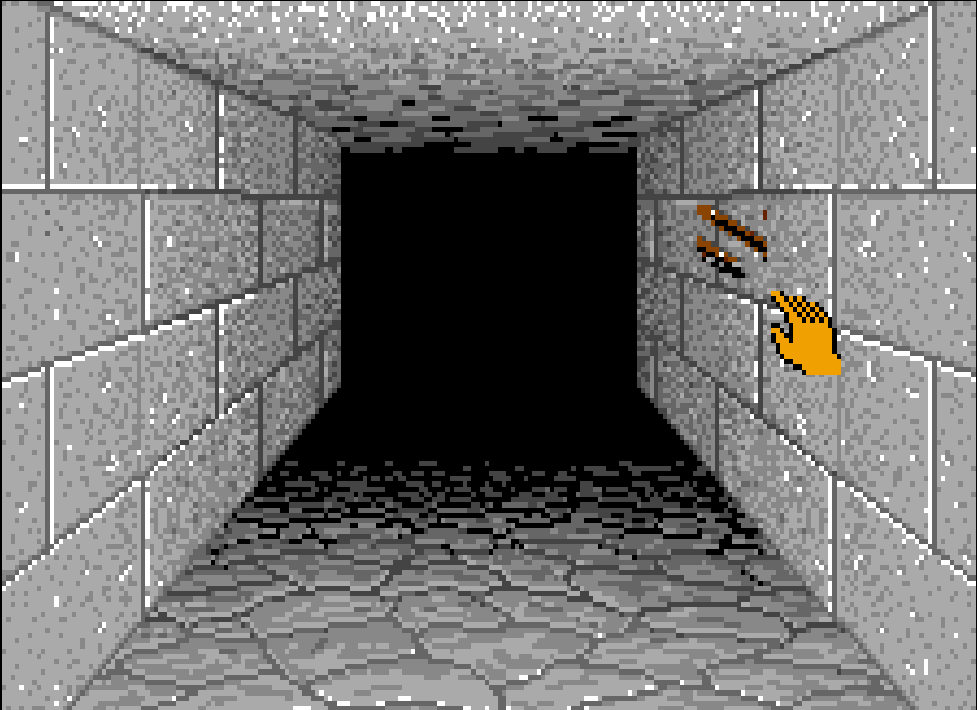
When downscaling distant ornaments and door buttons to fit smaller wall views at depths D2 and D3, blitToBitmapShrinkWithPalChange() was passing source dimensions hardcoded from Amiga coordinate tables (coordSetBlueGoat[4] << 1).
Updated drawDoorButton(), drawDoorOrnament(), and isDrawnWallOrnAnAlcove() to look up raw DOS asset dimensions.
Mapping DOS Item Names Resource Index
Despite handling string decoding earlier, item names (like "Torch", "Screamer Slice", "Torch (out)") were reading from the wrong asset offset in the graphics archive on DOS, displaying unrelated bytes instead of item names.
Updated getGraphicIndex() to map kDMObjectNamesGraphicIndice (556) to 694 for DOS.
Fixing Item & Floor Ornament Corruption on D1 Tiles
Items lying on the floor (swords, keys, chests) or floor ornaments (pressure plates, floor grates) on the square directly in front of the player (D1) rendered as torn graphics.
Updated drawFloorOrnament, drawFloorPitOrStairsBitmap, and T0115015_DrawProjectileAsObject to look up raw DOS asset dimensions using getPixelWidth() and getPixelHeight() instead of Amiga aspect table offsets.
Alternate Endgame Sequence Not Triggering
Stepping on the floor sensor at Level 0 while holding the completed Firestaff failed to trigger the alternate endgame sequence.
Updated processThingAdditionOrRemoval() sensor version check from <= 20 to <= 21 to match the DOS engine version, allowing entrance sensor triggers to fire correctly.
Updated isObjectInPartyPossession() to treat both raw (kDMIconIndiceWeaponTheFirestaff) and completed (kDMIconIndiceWeaponTheFirestaffComplete) Firestaff states as valid matches, including when stored inside carried chests.
Along with these, there were many other small changes that are self-explanatory in the commits. You can find all the changes made to support the DOS version in this single PR 7777. Since the PR number is a lucky 7777, I hope the DOS version brings good fortune and fewer bug reports 😄
So that was it for the DOS version of the DM engine. With that, ScummVM now supports both the Amiga and DOS versions of Dungeon Master.
Thank you for reading. See you in the next one — the final GSoC blog!