Categories
Week 8

DOS of Chaos

Hello and welcome back! This week I worked on the DOS version of the Dungeon Master engine, and a big part of that was getting the VGA colors right, since the DOS release used 256-color VGA graphics.

I added DOS-specific palette index constants to the graphics header, letting the engine track different environment levels, menus, and spell fade states. With the correct colors generated, I hooked them up directly to ScummVM’s palette manager, enabling accurate rendering and smooth screen fades.

The palette changes depending on whether the game is running normally, paused, or displaying the inventory screen. I implemented this switching in drawViewport() — accessing the inventory switches to the inventory palette, while drawing the dungeon uses the active environment palette.

Light levels also affect how bright the viewport is, from pitch black to fully lit. I updated the palette loading logic to read light levels directly from the runtime viewport palette _palDungeonView.

Next, I updated the startEndFadeToPalette method. In the original game, whenever the screen needs to change — opening the main menu, starting the game, entering a new area — the engine calls a transition function with a raw buffer of color data. On the Amiga, it would manually fade color-by-color. On DOS however, screens are displayed using the pre-defined full VGA palettes set up earlier.

So the matching logic looks at the incoming color buffer and figures out which game screen it corresponds to — is it blank black, the intro, the credits, or the main dungeon view? Once identified, the correct DOS VGA palette is applied immediately.

The DOS version organizes its wall and floor graphics quite differently from the Amiga version. On DOS, wall sets are much larger — 40 graphics per set — starting at index 86, with floor/ceiling sets beginning at index 78.
The indices are spread out differently, to address which I added platform checks to load the correct offsets throughout. Memory allocation for all environmental graphic buffers — D1/D2/D3 walls, door frames — was also adjusted to dynamically compute sizes and locations using the correct platform-specific layout.

The IMG3 Decompressor

With the VGA color systems and palette tables fully in place, the final step to getting graphics on screen was writing the decompressor for the DOS version’s custom image format.

The DOS release compresses its graphic assets using the IMG3 RLE format, which differs significantly from the byte-oriented IMG2 format used on Amiga. I integrated an IMG3 decoder into loadIntoBitmap().

DOS bitmaps also require every row of decompressed data to align to an even byte width. For odd-width graphics, the decompressor needs to inject a padding pixel at the end of each line. I added row wrapping, ensuring the decompressed output aligns correctly.

Once the decompressor was running, we needed to make sure the game allocated enough memory for the decompressed graphics. Since the DOS decompressor pads odd-width graphics to even byte boundaries, I updated the memory allocation routines for all game assets, replacing standard pixel-width lookups with a new getDecompressedWidth() function that returns the even-aligned width for DOS, preventing memory corruption when loading graphics.

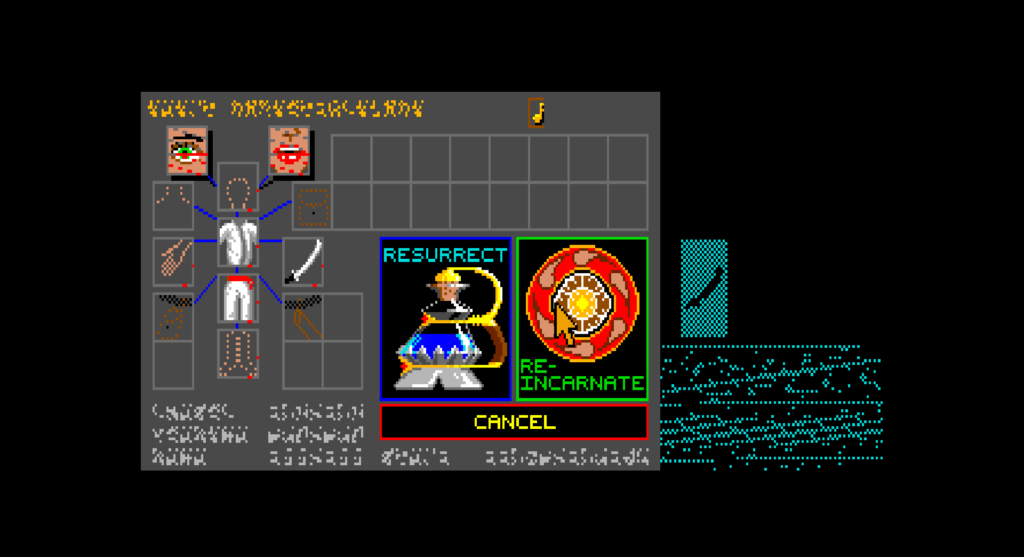
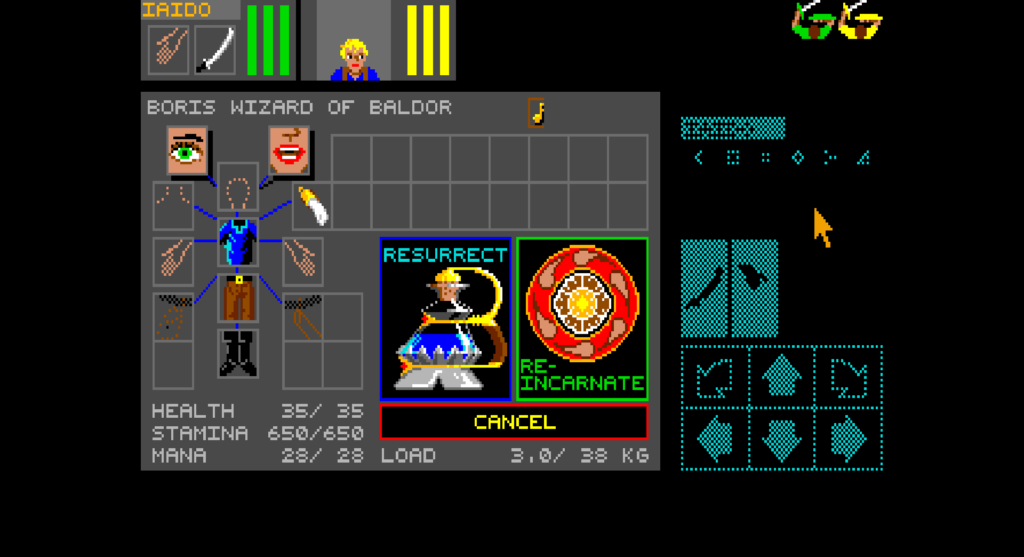
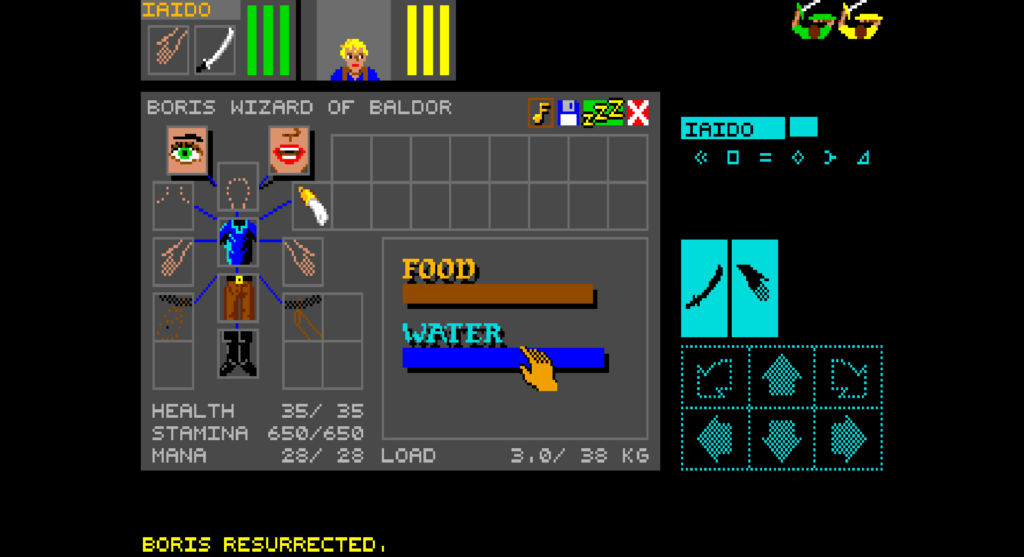
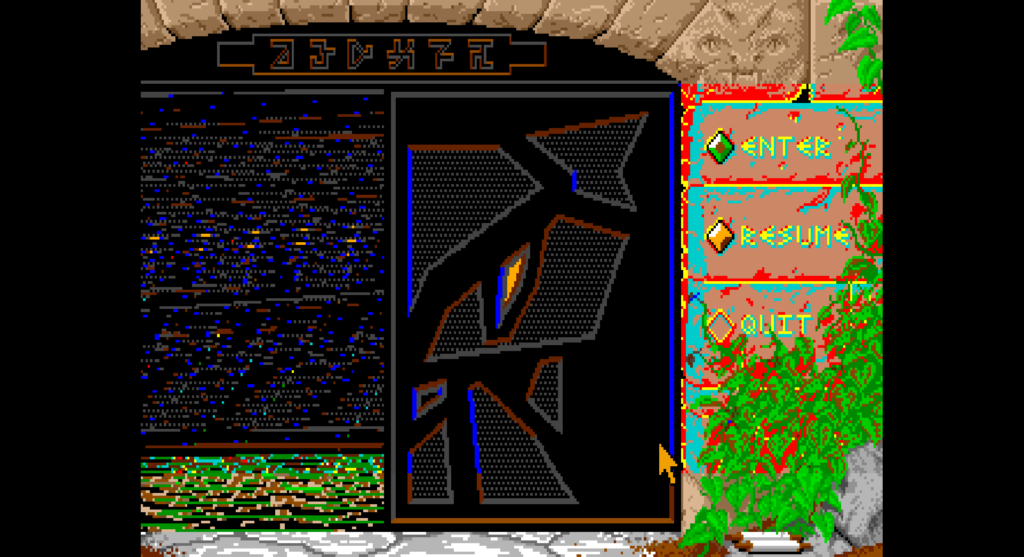
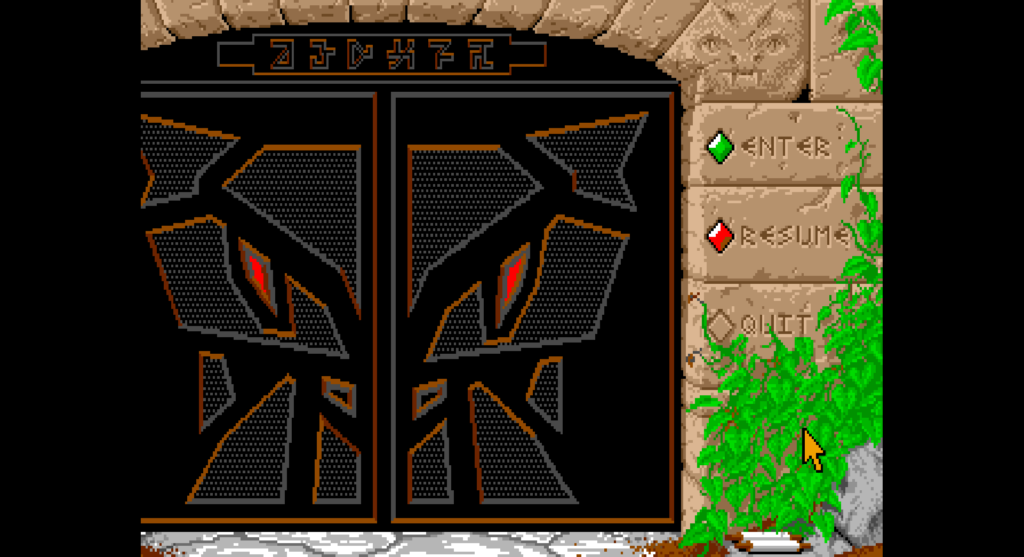
With all these changes in place, the DOS version now looks like this:
Corrupted Graphics — What’s Left

The graphics are still corrupted due to two root causes (hopefully 🙃):

First, DOS has more database entries than Amiga, so all the hardcoded Amiga constants are pointing to the wrong data. The font, item icons, creatures, and pit/ceiling graphics are all shifted on DOS, meaning the engine is currently reading from the wrong indices entirely.

Second, unpackGraphics() stops unpacking at index 532 — the Amiga limit — but DOS graphics continue up to 670, with sounds starting at 671. This leaves the font and item graphics completely uninitialized in memory.

These are what I’ll be focusing on next week, with the goal of bringing the DOS version to a fully playable state as soon as possible. That was it for this week — see you in the next one! 👋

 

Categories
Week 7

Dungeon Again

Hi everyone, this is Week 7 of GSoC, and I’m happy to share that I’ve successfully passed the midterm evaluation 😃. As I told you in the last blog, the Amiga version of Dungeon Master is now fully playable — so we’ve decided to extend support to the DOS version as well.

I began by analysing the DOS version and found that most of the game logic is the same across both platforms. I started by adding the detection entry for the DOS English version, then added Little-Endian support in the asset loaders of the engine.

There were also differences in the graphics file format — the DOS version uses version 3.x, which has a special 2-byte signature at the start of the file to identify it as such. I added support for detecting this signature by reading the first 2 bytes of the file as a header word and checking if it has 0x8000 set, which identifies it as version 3.x, and adjusted the table start offset and bytes-per-graphic accordingly so the loader handles both formats correctly.

Sev gave me access to Coverity’s static analysis and pointed me to the issues flagged for the DM engine. I went through them one by one and found that most were false positives.
Things like null pointer dereferences or out-of-bounds accesses that Coverity flagged were in practice guarded by earlier logic in the engine — the problematic paths simply couldn’t be reached during normal execution. For those, I silenced the warnings.
A handful of the issues were genuine, and I fixed those properly.

My college has started and I had to travel back to my hostel from my hometown, so progress was a bit slow this week. I’ll make up for it this week by quickly wrapping up the remaining Coverity issues and getting back to work on the DOS version.

That’s it for this week. See you in the next one! 👋

Categories
Week 6

Closing the Dungeon Gates

Hello and welcome back! This is Week 6 of my GSoC journey, and I’m excited to share that I’ve finally completed the Dungeon Master engine!

Fixing the Endianness Problem

As I mentioned in the last blog, using READ_LE_UINT16 and WRITE_LE_UINT16 macros had a deeper issue — loadDungeonFile() reads Big-Endian file data and stores it into _thingData as native-endian uint16s, so on a Big-Endian machine the whole setup breaks regardless of the macro fix.

So I spent the first half of this week replacing those byte offset macros by parsing the file data directly into respective arrays of structs at load time. This involved removing all raw byte-to-struct pointer casting (e.g., (Door *)rawDat) from the codebase and updating the file loading and saving routines to read and write fields one at a time using stream operations like readUint16BE and writeUint16BE.

Uncovering Hidden Bugs

These changes also brought some new freezes and crashes to the surface — bugs that were silently hiding behind the old unsafe code. Raw pointer arithmetic was allowing silent reads and writes to out-of-bounds memory, which switching to Common::Array now catches immediately as crashes or assertions. Unsafe casting was hiding cases where one object type was being read as another, which strict C++ type assertions now catch instantly.

Debugging the Endgame

The endgame sequence had quite a few bugs hiding in it. When you capture the Lord of Chaos and fuse him with The Firestaff, the game unlinks the fluxcage — but in fuseSequence(), curThing was never being reset after that, causing the loop to run forever.

When the Lord of Chaos was turned back to normal, the message displayed was also corrupted — wrkString was declared outside the loop so it kept accumulating characters from previous words, and a stray \0 append was preventing it from reading past the first word. Moving wrkString inside the loop and removing \0 fixed the issue.

Another text bug had only the second row showing up in the message area — the first row was being cleared before it could scroll up. createNewRow() was clearing the line buffer before the scroll animation could finish, so the fix was to wait in a small delay loop until _isScrolling is false before proceeding.

Beyond that, I also added support for returning to the launcher after closing the game, along with other small fixes to get the engine to a solid, playable state.

Crash When Renaming Champion in the Hall of Champions

Clicking outside the character select table during champion renaming was calculating an invalid character index from out-of-bounds coordinates, causing a crash. The fix was straightforward — enabling a bounds check that was previously disabled, so clicks outside the table are now simply ignored.

Implementing Extended Saves

I also implemented extended saves for the DM engine, allowing the game to make use of ScummVM’s extended save functionality.

That was it for this week! It’s been a long road getting the DM engine to this point, but it’s rewarding to finally see the work of the previous contributor and Strangerke pay off after 10 years. You can find the previous contributor’s blog here.

Thanks to Sev for helping me throughout this.

I’ll see you in the next blog as I dive into a new engine. Until then, bye! 👋